
Education Hub
Every lesson, one page.
Twenty-two short walkthroughs across both broker platforms and TradingView. Click any lesson to play it. Guides, forms and transcripts come with it. Nothing to sign up for.
Reference
Open the glossary →Trading Glossary
Every word you are about to hear, in plain English. 44 terms written for someone with zero forex experience, each with a real example underneath it.
Sterling Strike owners
Go to my dashboard →Bought Sterling Strike? Start here
Your step-by-step setup guide, with 7 short videos, is in your member dashboard. Sign in, open the Sterling Strike page, and tap Open the setup guide.
KYC & Onboarding
1 lesson 01KYC and Onboarding WalkthroughSigning up, uploading your KYC documents, and unlocking your trader dashboard once compliance approves.Social Trading Guide (PDF)Corporate Setup Guide (PDF)Corporate Application Form (PDF)MT5 Account Access Guide (PDF)Read the transcript
Broker Platform Training
7 lessons 02Back Office Overview & Dashboard TourA guided tour of the back office: dashboard, wallets and trading accounts, transactions and social trading.Read the transcript
 03Choosing Which Social Traders & Strategies to FollowUsing verified Myfxbook statistics, growth curves and drawdown to decide which strategies to follow.Meridian PrimeSince 2021SentinelSince 2024Sentinel XSince 2024Sentinel ZSince 2024Sterling VantageSince 2025Oracle AISince 2026Read the transcript
 04Request Your First Trading Account (Wallet)Requesting your first trading account, also called a wallet, and how broker approval and leverage are set.Read the transcript
 05Deposit Funds Into Your Trading AccountsFunding your trading accounts by bank wire or crypto, including the deposit identifier and CoinPayments flow.Read the transcript
 06Making a Live Crypto Deposit (Worked Example)A real, end-to-end crypto deposit: funding a Meridian Prime wallet with USDT ERC20 and watching it land.Read the transcript
 07Move Money Between Accounts & Withdraw FundsMoving money between trading accounts and making bank wire or crypto withdrawals, with timelines and rules.Read the transcript
 08Connect to a Social Trader for Copy TradingConnecting to a strategy on the social trading board, using Meridian Prime as the worked example.Read the transcript
Direct Connect · The Sentinel Suite
4 lessons 09Why the Sentinel Suite Needs a Direct ConnectWhy the high-velocity Sentinel Suite needs its own Direct Connect to capture the master’s full gain.Read the transcript
 10Submit for the Sentinel Suite Direct Connect ServiceHow the activation request works and what to prepare before you submit the form.Activate the Direct ConnectRead the transcript
 11Adjust Your Direct Connect SettingsChange your balance multiplier to control your risk in just a few clicks.Adjust the Direct ConnectRead the transcript
 12Cancel Your Direct Connect ServiceHow to end your Sentinel Suite Direct Connect service using the cancellation form.Cancel the Direct ConnectRead the transcript
Platform & Funding
7 lessons 01Logging In & Back-Office TourLog in and navigate the dashboard, wallets, deposits and trading accounts on both desktop and mobile.Read the transcript
 02How to Deposit & Fund Your Back OfficeFunding your back office with crypto, from clicking deposit to selecting coin, network and wallet address.Read the transcript
 03Connect Your Account to the Sentinel StrategyHow to follow and connect your investor account to the Sentinel copy-trading strategy the right way.SentinelRead the transcript
 04Connect Your Account to Meridian PrimeSelect the right platform, follow Meridian Prime on the leaderboard, set leverage and fees, then fund it.Meridian PrimeRead the transcript
 05Connect to the Sentinel X PAMMMove funds into your fiat wallet, follow the Sentinel X PAMM, create your investor account and fund it.Sentinel XRead the transcript
 06How to Transfer Funds Between AccountsMove funds between accounts in a few taps: the step before withdrawing back to your wallet.Read the transcript
 07Withdraw to an External Crypto WalletWithdrawing to an external crypto wallet, from the dashboard quick link to the confirmation code.Read the transcript
Get Set Up
3 lessons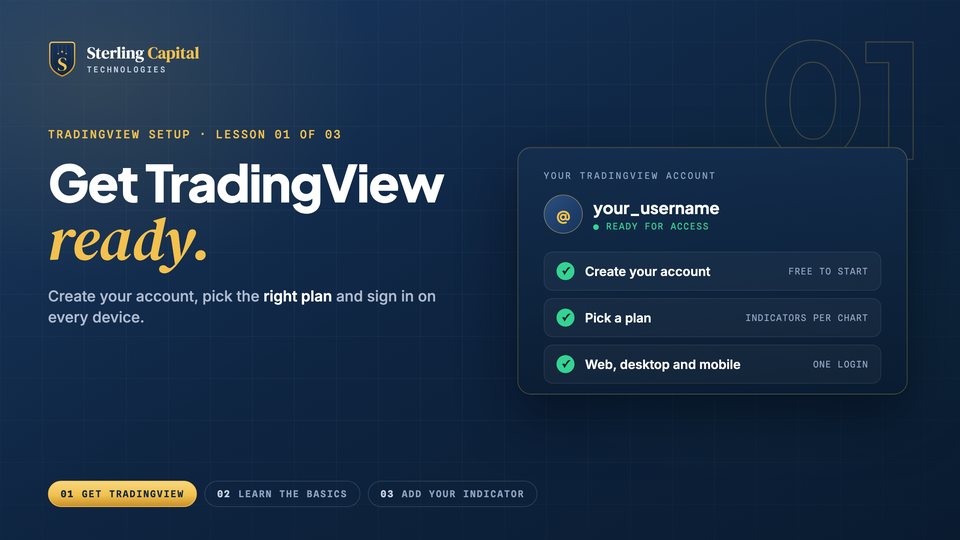 01How to Set Up TradingViewCreate your account, choose the right plan by indicators per chart, and sign in on desktop and mobile.Create a TradingView account (affiliate link)
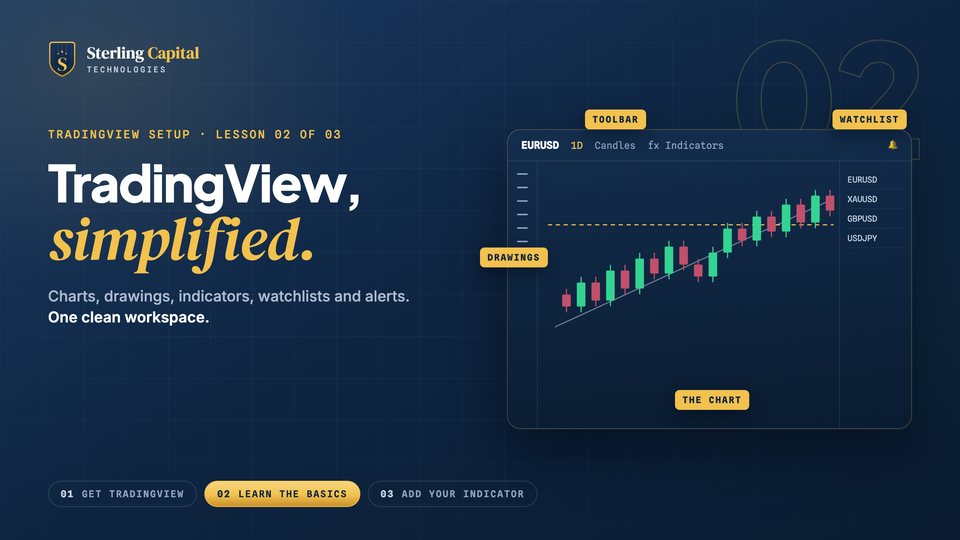 02TradingView for BeginnersCharts, time frames, drawings, indicators, watchlists and alerts, saved as one clean workspace.
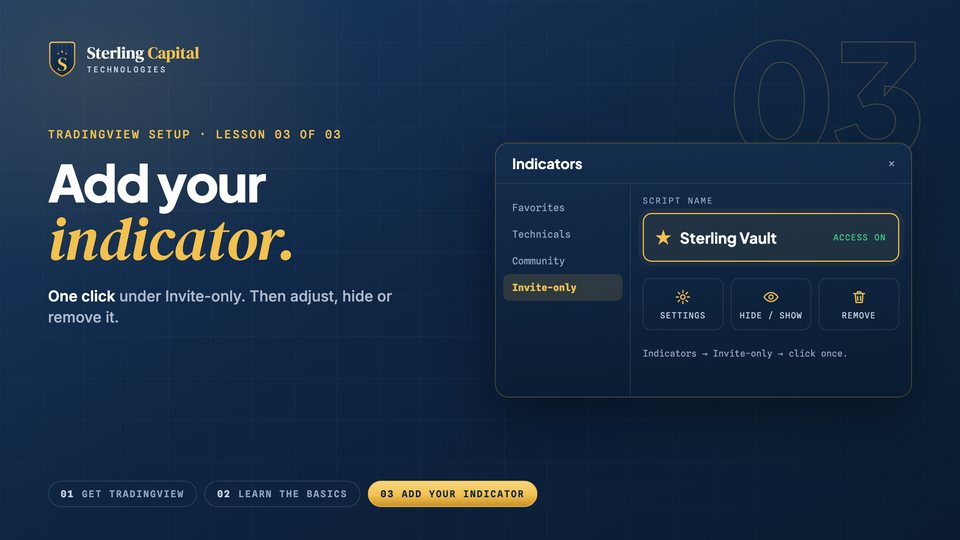 03Add an Invite-Only IndicatorIndicators, then Invite-only, then one click. Plus settings, hide and show, and removing it from a chart.